
Per-store coverage
Separate App Store and Google Play steps with the right field limits for each store.
Free localization checklist
Plan locale strategy, metadata, screenshots, and QA across App Store and Google Play before you ship to new markets.
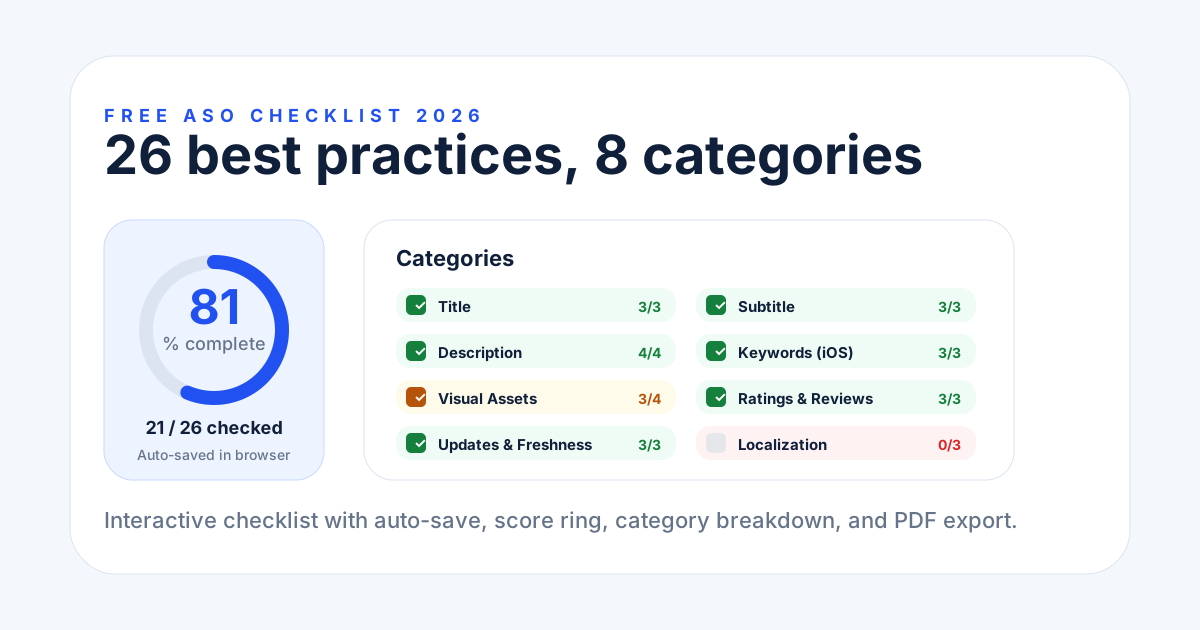
Localization checklist
Mark what is done per store, see the score, and export the result.
Output
Use it before every market launch and after major listing changes.
Separate App Store and Google Play steps with the right field limits for each store.
Your checked items stay in the browser so you can finish the review later.
Download a score card to share localization readiness with your team.
Do not translate every field at once. Start with the country and language where search demand, conversion upside, and support readiness overlap.
Store fields
Use these checks before submitting a localized iOS product page.
Keep the strongest native keyword close to the front while staying inside App Store name and subtitle limits.
Build the 100-character iOS keyword field from local search terms, not direct English translations.
Translate screenshot captions, adapt claims, and confirm that text remains readable on small devices.
Google Play
Google Play gives more description space, but the same rule applies: local search intent first, translation second.
Use the short description to explain the localized value proposition and include the highest-priority local keyword once.
Rewrite the full description for native phrasing, benefits, support terms, and category language in the target market.
Use custom store listings when a country needs different screenshots, pricing context, or positioning.
Track localized keyword rankings and conversion after release so poor markets are improved or paused quickly.
A good app localization checklist should show the weak spot before the release reaches production.
| Item | Status | Why it matters | Next action |
|---|---|---|---|
| Market priority | Ready | Target country has meaningful traffic and support coverage. | Move to localized keyword research. |
| App Store metadata | Needs review | Name, subtitle, and keyword field need native search terms. | Rewrite before screenshot QA. |
| QA before release | Blocked | Screenshots and support links are not checked in the target language. | Run device QA and store preview review. |
QA
The checklist is strongest when every launch has a source keyword list, translated creative, and a post-launch measurement plan.
Save the localized keyword list that informed the App Store keyword field or Google Play description.
Check translated text length, cultural fit, legal claims, and device crop before submitting new assets.
Review rankings, impressions, conversion, ratings, and review themes during the first two weeks after release.
It covers 25 localization best practices across 5 areas: market and language strategy, App Store metadata, Google Play metadata, visual and cultural assets, and QA before a global release.
Yes. The interactive checklist and the score card export are completely free with no signup required.
Yes. Your checked items are stored in your browser localStorage and restored automatically when you return.
Yes. Separate sections cover App Store metadata limits (name 30, subtitle 30, keywords 100 characters) and Google Play fields (title 30, short description 80, full description 4000 characters), plus custom store listings.
Localize before a global release, and re-localize after major metadata or feature changes so every market stays in sync with your default listing.
The checklist is a one-time browser snapshot. Generate terms for the target country, record the launch baseline, and repeat the review manually after release.