
Free ASO keyword tool for keyword research
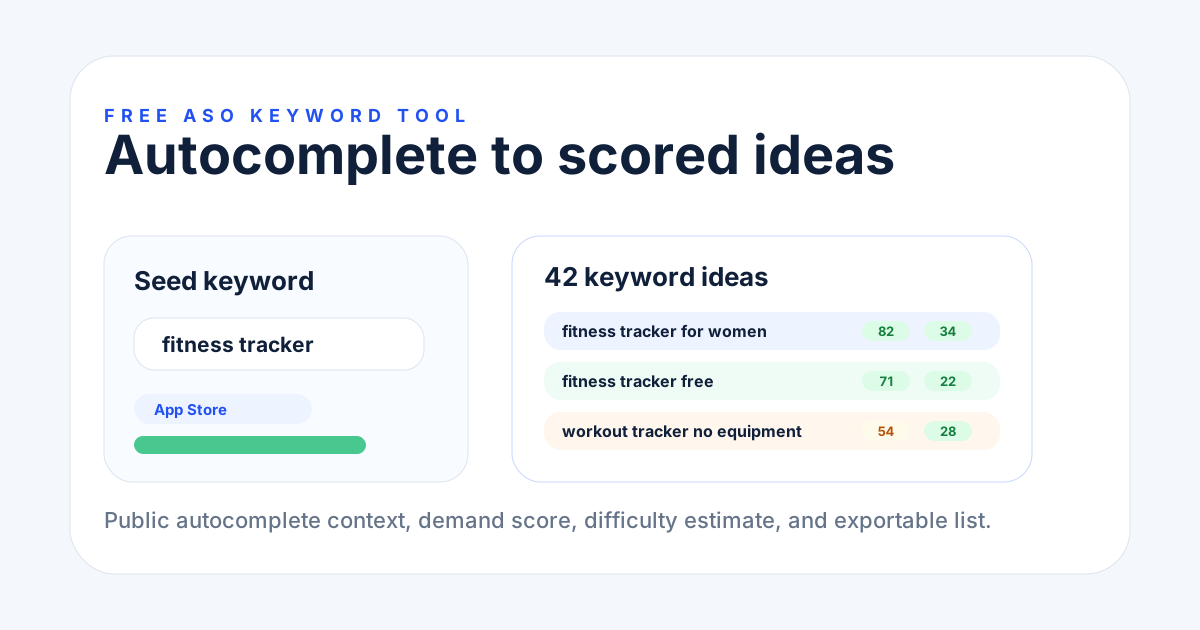
Start here when you need keyword ideas, demand signals, difficulty labels, and an exportable shortlist for App Store or Google Play.
Free ASO tools
Pick one task, get one output, and use it before your next app update.
Preview
Free tools path
ASO Audit
Keyword Generator
Metadata Compare
Workspace
Now
Evidence
score
Question
useful?
Action
fix
Audit
Run audit
Task router
Start with the job closest to your next app update. Each path gives a specific output, not a long report.
Use the free ASO keyword tool to turn one seed into scored keyword ideas.
Open toolRun a free ASO audit tool and get the first issue to fix.
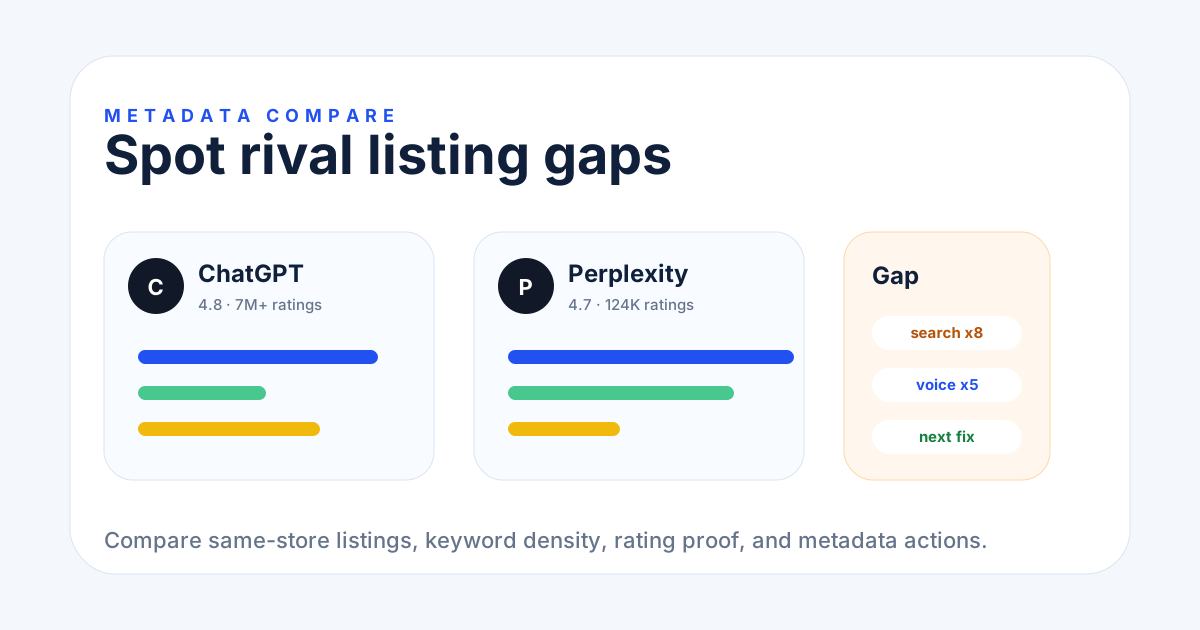
Open toolCheck rival metadata and identify title, subtitle, and keyword gaps.
Open toolFind repeated, missing, and overused terms before rewriting metadata.
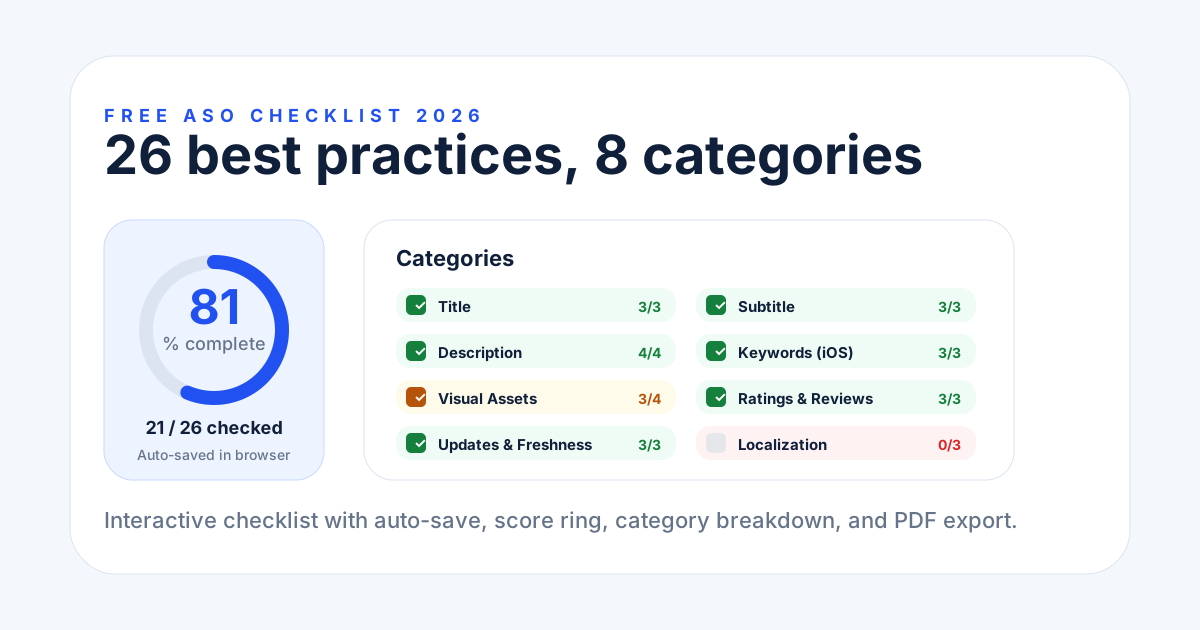
Open toolReview app store optimization basics before your next update.
Open toolShortlist free and paid tools before paying for a suite.
Open toolLive tools
Use this directory when you already know which ASO workflow you need.
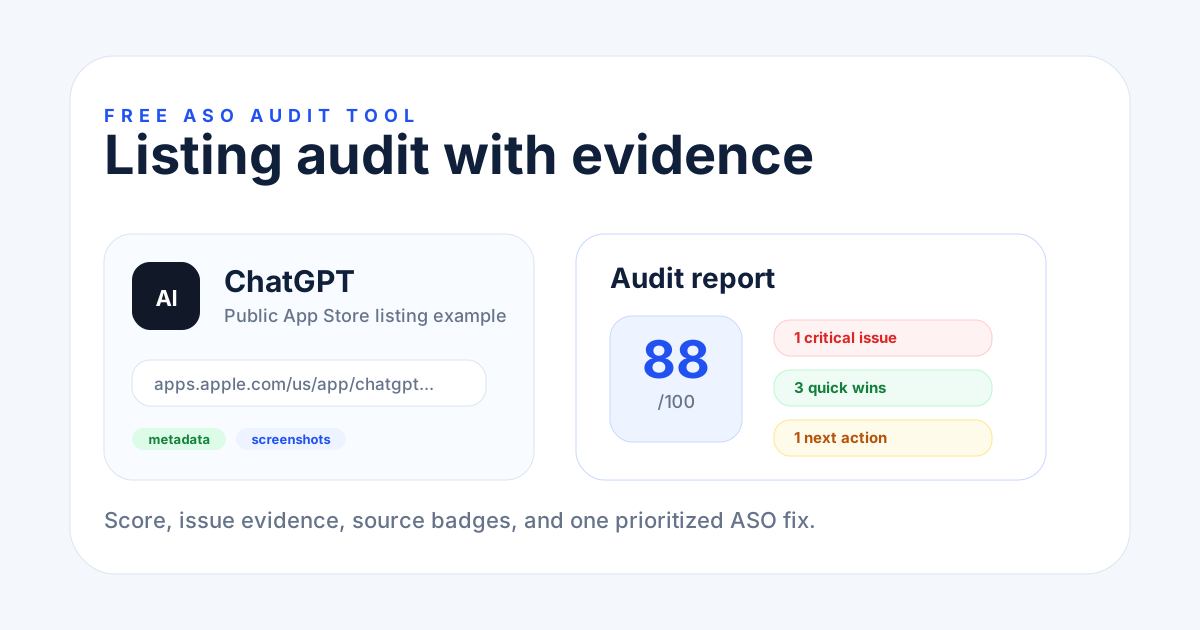
Score a live listing, see priority issues, and fix the highest-impact ASO gap first.
Generate App Store and Google Play keyword ideas with demand, difficulty, and intent.
Compare two listings, check keyword density, and find competitor metadata gaps.
Review keywords, metadata, visuals, ratings, freshness, and localization before release.
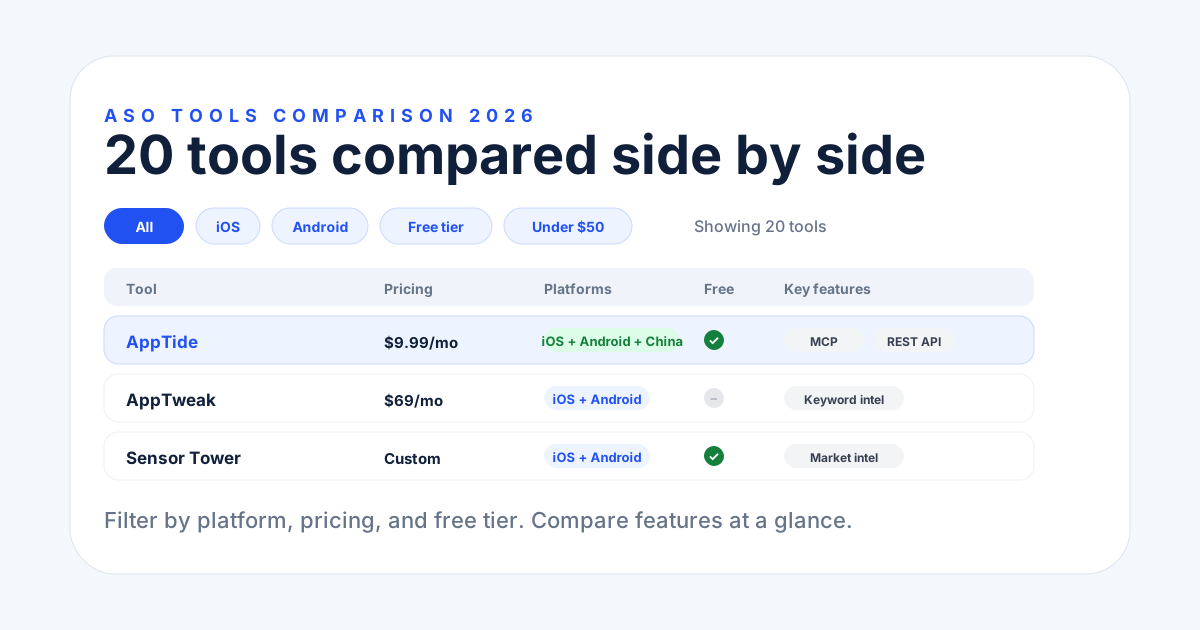
Filter free and paid ASO tools by platform, price, API access, and workflow fit.
Plan markets, metadata, screenshots, QA, and tracking before global release.
How to choose
Indie developers usually need one clear answer: a keyword list, audit score, competitor gap, checklist score, or tool shortlist.
Start here when you need keyword ideas, demand signals, difficulty labels, and an exportable shortlist for App Store or Google Play.
Use the audit when you have a live app and need a score, issue categories, and one next fix before a metadata update.
Use competitor comparison when you want to see which keywords a rival repeats, which terms you miss, and where density is risky.
Use the checklists before launch, quarterly reviews, or market expansion so basic metadata, screenshots, and QA steps are not missed.
The free ASO tools answer one task. The paid workspace stores app history, keywords, competitors, API proof, and MCP context.
Each tool separates platform context where it matters, including Google Play descriptions, App Store keyword fields, and localization limits.
| Question | Free tools | Workspace |
|---|---|---|
| Need one answer? | Use free ASO tools for one keyword, audit, checklist, or density check. | Use the workspace when you need saved apps, rivals, and history. |
| Need repeated tracking? | Free tools are one-time checks. | Workspace keeps keyword ranks, audits, competitors, API, and MCP context together. |
| Need team proof? | Export a score, list, or report when available. | Share a stored workflow with app, keyword, and competitor evidence. |
The fastest path is one app, one output, and one ASO action you can finish today.