
Put app import, keyword refreshes, and competitor context inside your AI workflow
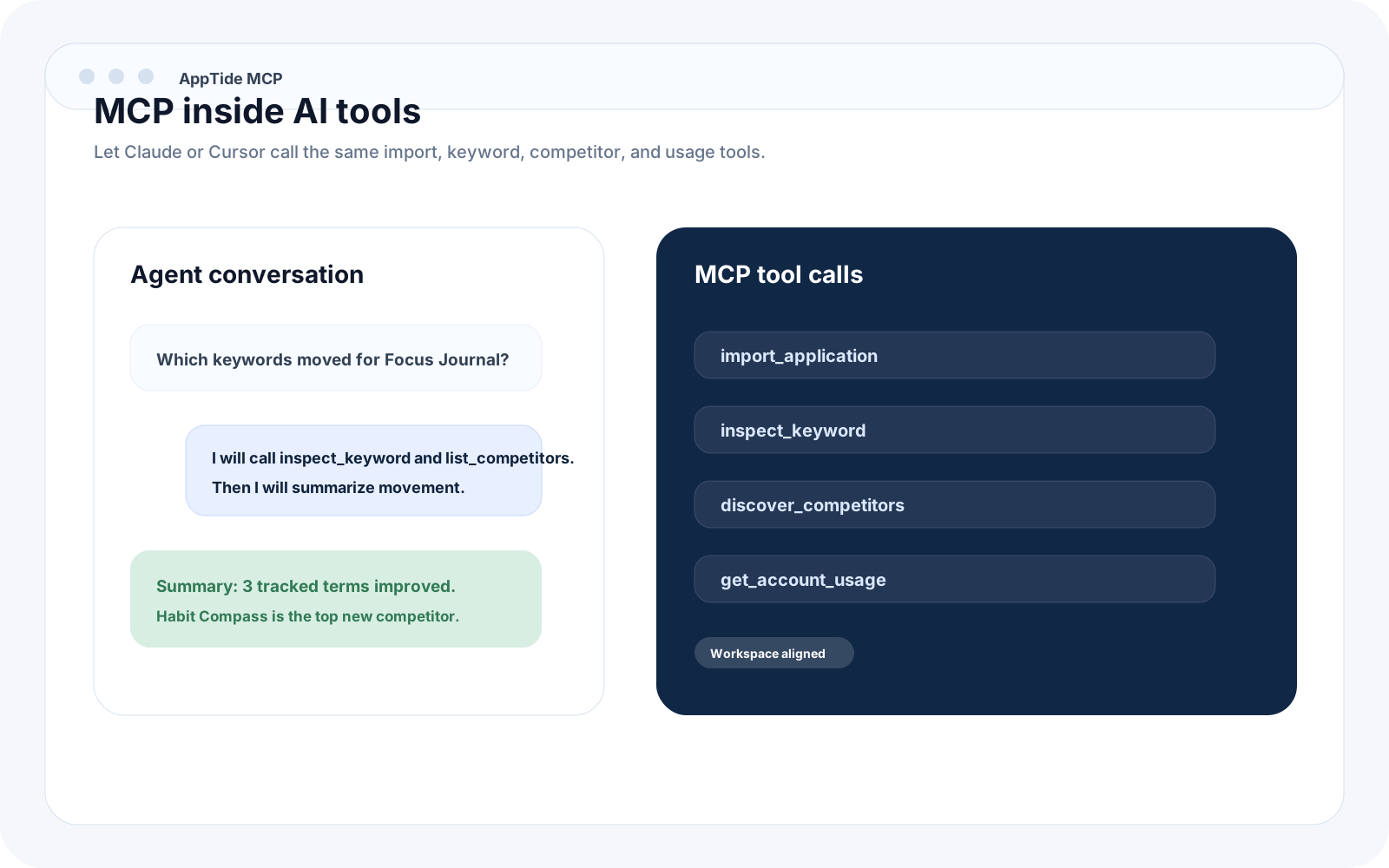
The useful MCP path is not generic chat. It is letting Claude or Cursor work against the same app records, keyword snapshots, competitor sets, and usage limits as the rest of your AppTide workspace.
- ✦ Connect the same workspace to Claude and Cursor
- ✦ Call import, keyword, competitor, and usage tools
- ✦ Keep MCP state aligned with dashboard and API records
- ✦ Use prompts and resources, not just raw tools
Research in Claude
Pull app state, refresh rankings, and summarize competitor movement without leaving the planning conversation.
Work inside Cursor
Use the same MCP server while you ship metadata changes, review ranking context, or prototype release automation.
Keep humans in control
The MCP layer is useful because it reads and writes against the same workspace limits, logs, and jobs as the rest of the product.
Example MCP config
Connect once, then keep the workflow inside your AI tools
A good MCP setup should make the first useful call obvious. Point your client at the server, use the same bearer key as the API, and keep the workspace model intact.
{
  "mcpServers": {
    "apptide": {
      "url": "https://apptide.xyz/api/mcp",
      "headers": {
        "Authorization": "Bearer atd_live_your_api_key"
      }
    }
  }
}
Import and lookup
Find apps, inspect existing records, and pull the same core state that powers the API and dashboard.
Refresh and compare
Refresh metadata, inspect keywords, discover competitors, and read crawl-job status while the workflow still feels natural for an agent.
Plan-aware operations
Read usage, limits, and workspace context before you let an agent push further into heavier automation.
Priority tool set
Setup guides
Choose your client
The AppTide MCP server connects to any client that supports the Model Context Protocol over HTTP. Each guide has a copy-pasteable config and a step-by-step setup walkthrough.
Anthropic
Claude Desktop
Paste a single JSON block into Claude Desktop developer settings. Import apps, inspect keywords, and run competitor discovery inside Claude conversations.
View setup guide →
AI editor
Cursor
Add .cursor/mcp.json to your workspace root. Pull app records, keyword snapshots, and competitor context into Cursor agent sessions.
View setup guide →
Microsoft
VS Code
Add .vscode/mcp.json to your workspace. Read app state and keyword rankings inside VS Code agent workflows with GitHub Copilot.
View setup guide →
Codeium
Windsurf
Add the AppTide server to Windsurf MCP settings. Let Cascade import apps and run keyword inspection without leaving the editor.
View setup guide →